Event system
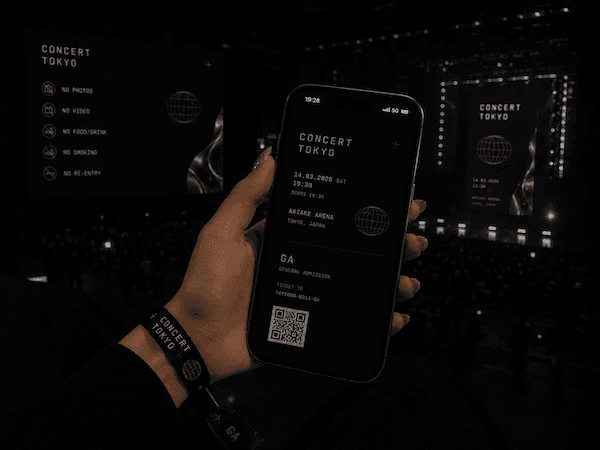
Create one visual language for tickets, posters, wristbands, screens, handouts, and other physical or digital touchpoints.
Free SVG and PNG micrographic generator
Design dense, technical visuals for launches, docs, README headers, wallpapers, and social posts in minutes.
What it is for
Micrographics Creator sits between a screenshot, a diagram, and a poster. It gives developers, founders, and small teams a fast way to create sharp technical graphics that look intentional without spending an afternoon in Figma. It is free to use: open the creator, make the visual, and export it.
Examples
Create one visual language for tickets, posters, wristbands, screens, handouts, and other physical or digital touchpoints.
Make a release visual for a new app, open source project, startup update, or conference announcement.
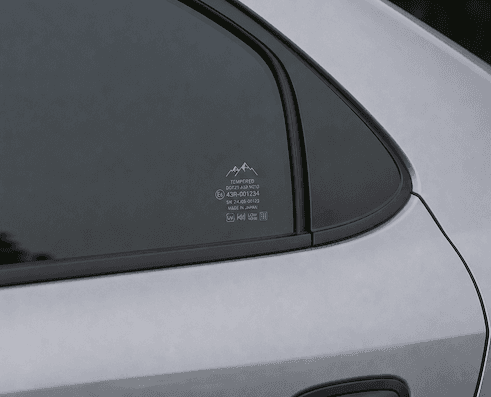
Design small technical markings, care labels, glass decals, and product details that add context without taking over the object.
When to use it
Make a polished poster for a product drop, open source release, or social announcement without opening a design suite.
Turn a repo, framework, or tool stack into a dense visual identity for GitHub, docs, and project pages.
Create technical backgrounds for slides, case studies, and product notes that need more signal than stock art.
Build personal or team wallpapers around symbols, text, layouts, and color systems that actually fit the screen.
How it works
Details
No. Start from a template, adjust symbols and text, then export.
SVG for editable vector work and PNG for quick sharing.
Developers, indie makers, founders, open source maintainers, and product teams.